
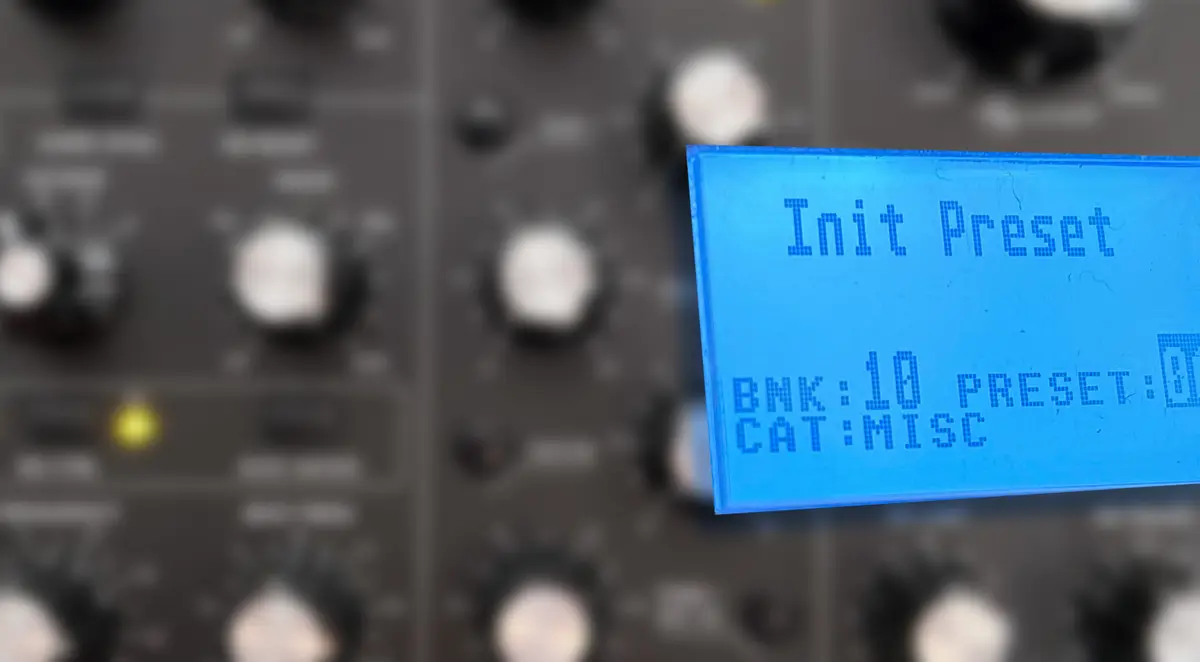
This is a how-to guide explaining how to create a custom default preset for synthesizers, providing a neutral starting point for sound design.
Features
Default Preset
A neutral starting point that acts like a blank canvas, allowing designers to build sounds without pre-existing settings or modulations.
Oscillator Setup
The guide recommends using a single basic waveform, such as a saw wave, while deactivating other oscillators, sub-octaves, and waveshaping features.
Filter Settings
The filter should be set to fully open with zero resonance and modulation depth, ensuring it does not alter the raw oscillator signal.
Amp Envelope
Setting attack, decay, and release to zero while maximizing sustain turns the envelope into a simple on-off switch for the sound.
Why a custom preset helps
Factory presets are often designed to showcase a synthesizer's capabilities, which means they frequently include complex modulations and effects. This can make it difficult to understand how a specific sound is generated, as designers must untangle various parameters to modify the tone. A custom default preset removes these distractions by providing a clean slate. This approach allows for a more direct workflow where every added element is a deliberate choice rather than a correction of an existing setting.
Building the neutral base
To create this preset on a subtractive synthesizer, start by selecting a single oscillator with a basic waveform like a sawtooth. All other oscillators, sub-octaves, and waveform-shaping features such as pulse width modulation should be disabled. The mixer level for the active oscillator should be set to a moderate value, around 75 percent, to prevent unintended saturation of the filter input. This ensures the signal remains clean and neutral before any further processing is applied.
Configuring filters and envelopes
The filter section requires specific attention to ensure it does not color the sound. For a low-pass filter, the cutoff frequency should be at its maximum while resonance is at its minimum. Any modulation from envelopes or LFOs must be set to zero, and key tracking should be disabled. The amplitude envelope is best configured with zero attack, decay, and release times, combined with full sustain. This setup effectively turns the envelope into a gate, allowing the sound to start and stop instantly without adding any dynamic shaping.